Take the singer out of any song, and sing it yourself.

Gonilift is a free AI vocal remover for Windows. It splits any song into vocals and a backing track right on your own PC, with no upload. Mute the singer, change the key, slow it down, and loop the hard parts for practice.

✓ No account✓ No subscription✓ No upload✓ No limits✓ Windows 10 / 11

Same app either way. The $3.50 edition skips the setup and works offline from the first split.

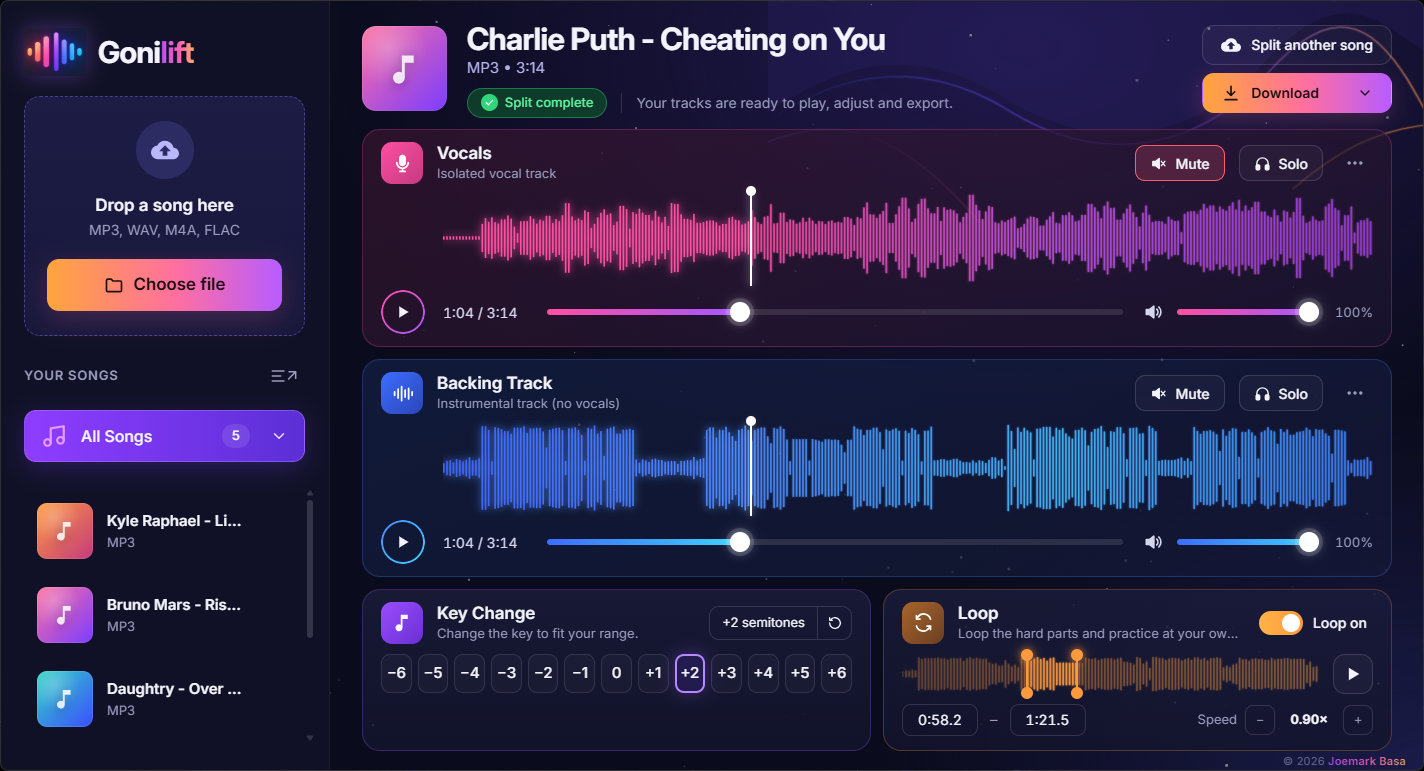
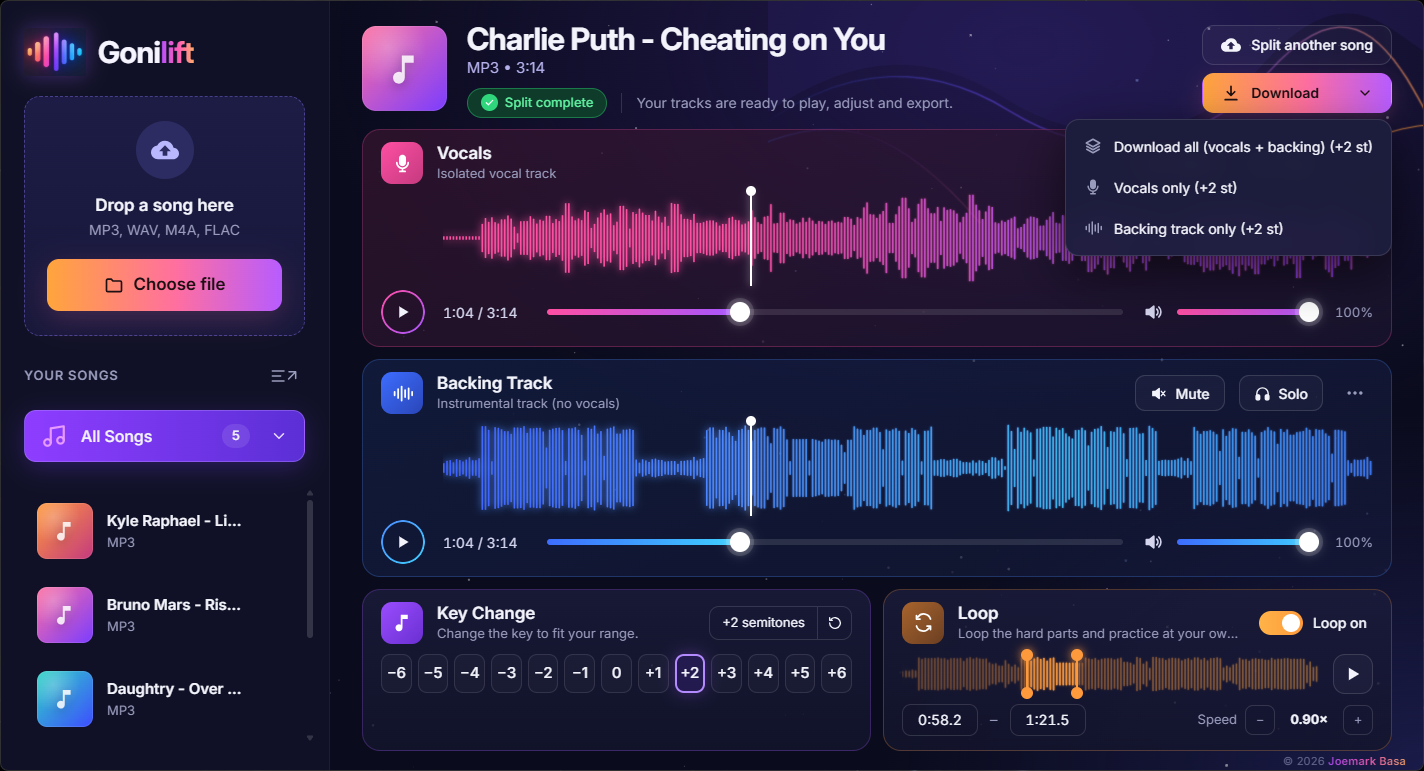
Gonilift player with the vocals muted for karaoke, the key moved up two semitones, speed at 0.9x and a loop around the chorus

Watch

See Gonilift in 20 seconds.

Drop in a song, take the singer out, then change the key, slow it down and loop the hard part.

Can't see the video? Watch it on YouTube.

Features

Built for singers, not just splitting.

Everything you need to practice, all in one app.

🎤

Split into vocals + backing

AI separation by a state-of-the-art MelBand RoFormer model, right on your PC.

⚡

Fast on NVIDIA GPUs

About 40 seconds for a 3-minute song on an RTX 3050 laptop.

☰

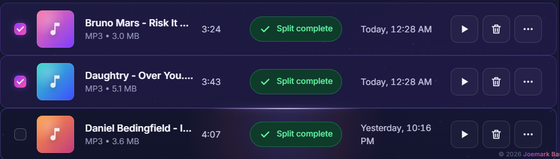
Queue multiple songs

Drop several songs; they split one by one. Cancel or resume any time.

🎵

Key change

Move the song from −6 to +6 semitones to fit your range.

⏱

Speed control

Slow down or speed up from 0.5× to 1.25× without changing the pitch.

🔁

Loop the hard parts

Select a section and loop it for focused practice.

🔍

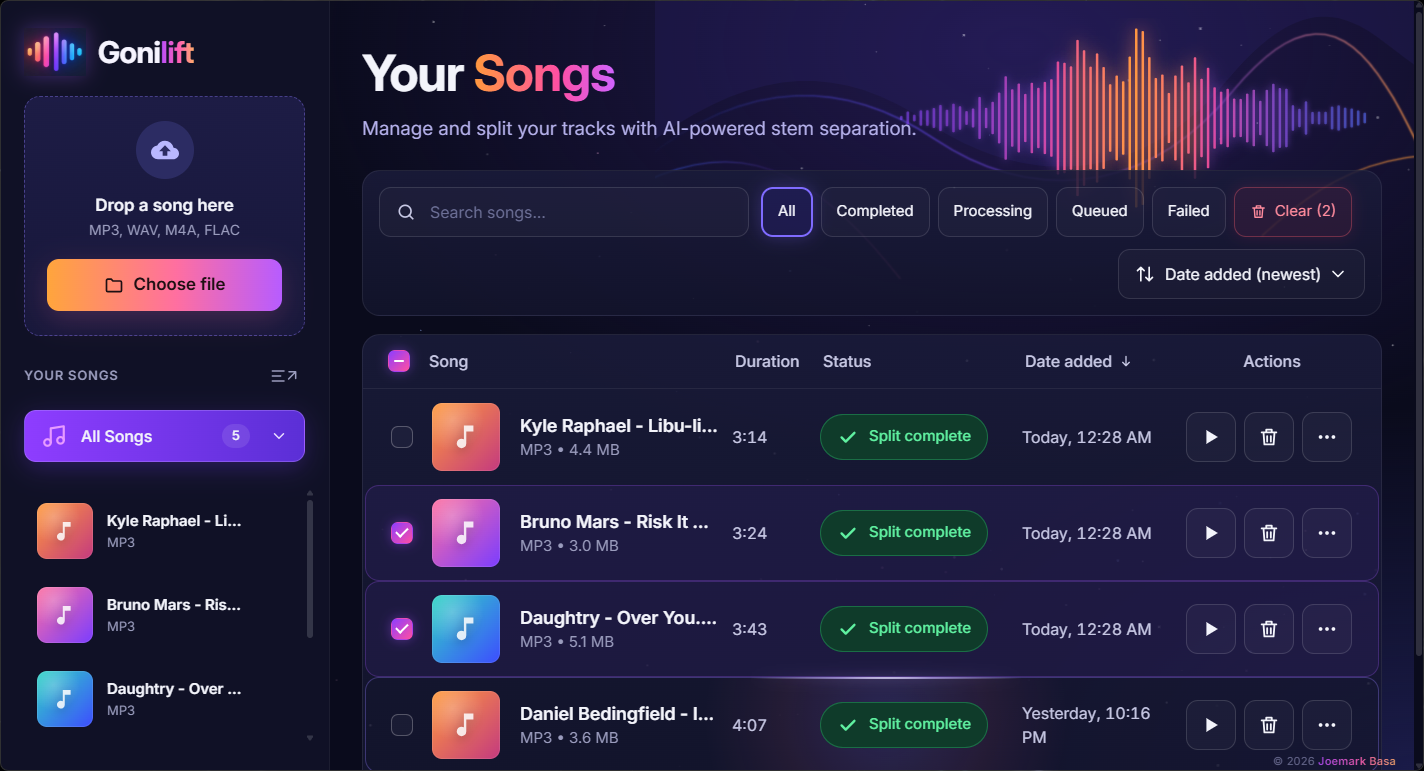
Search, filter and sort

Easily manage your library of songs.

⬇

Download WAV files

Export vocals and backing tracks as separate WAV files.

Screenshots

See the app in action.

From dropping in a song to downloading your tracks.

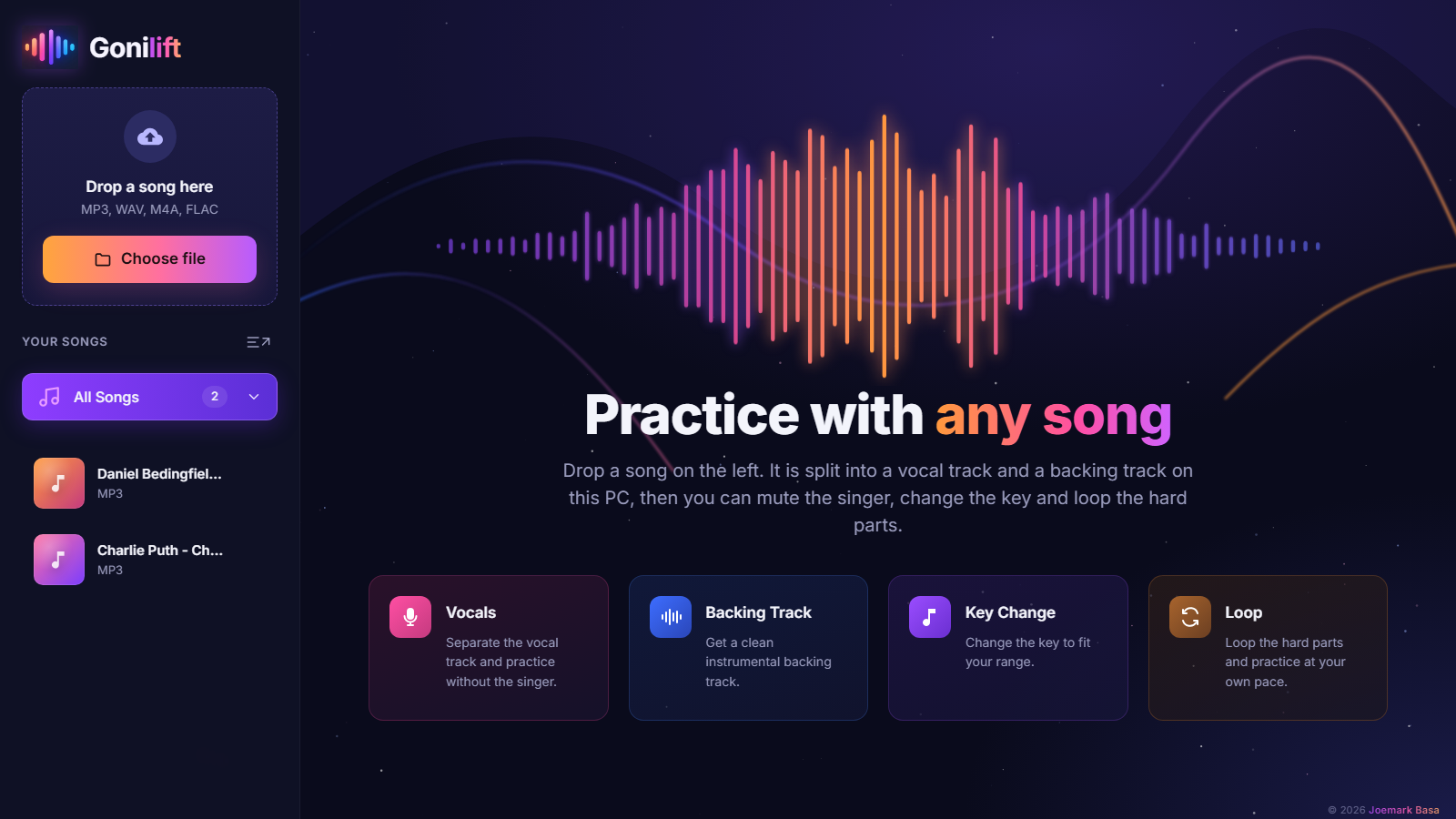
Gonilift start screen
StartClean and simple interface
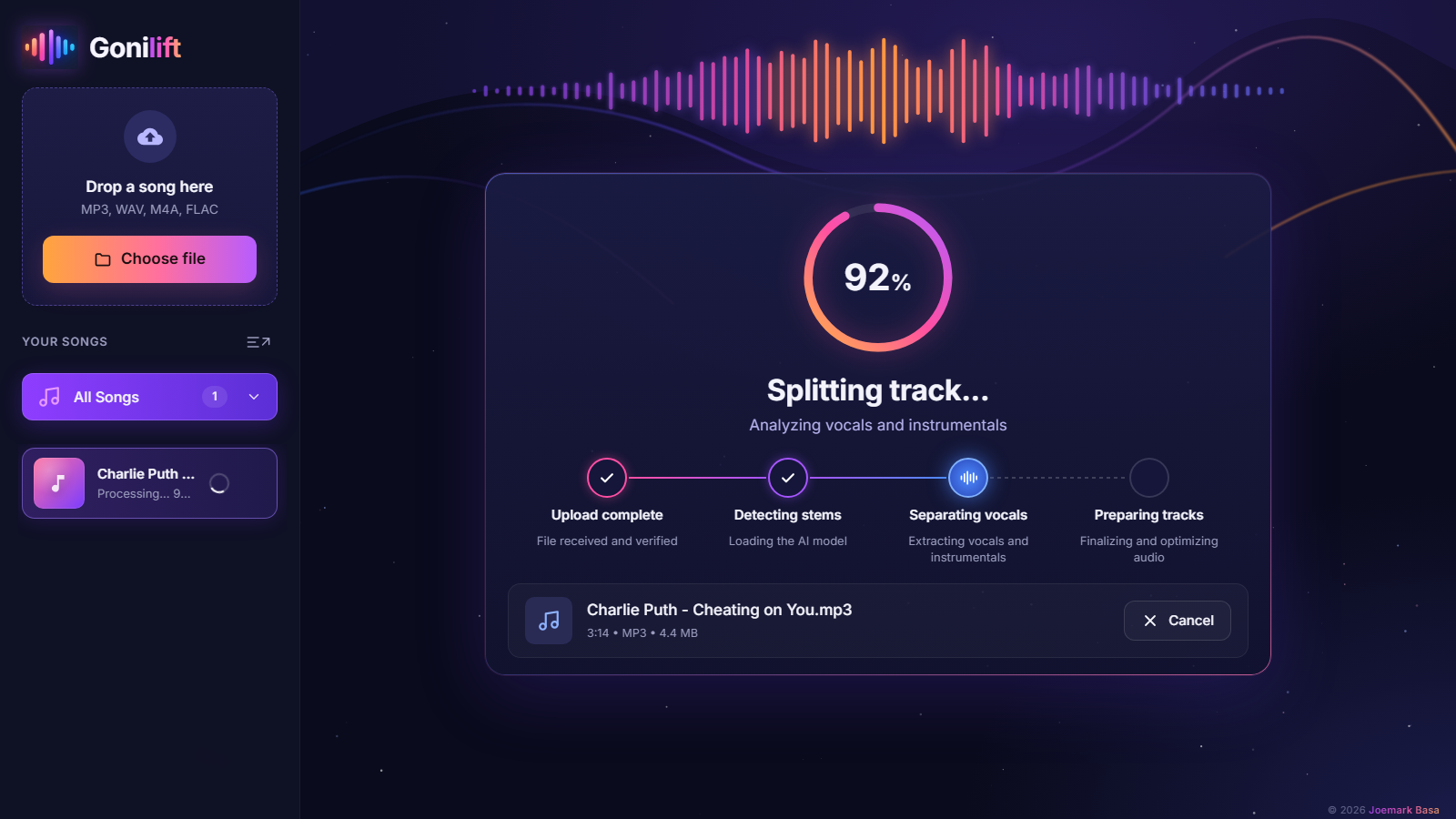
Splitting progress ring
SplittingAI-powered stem separation
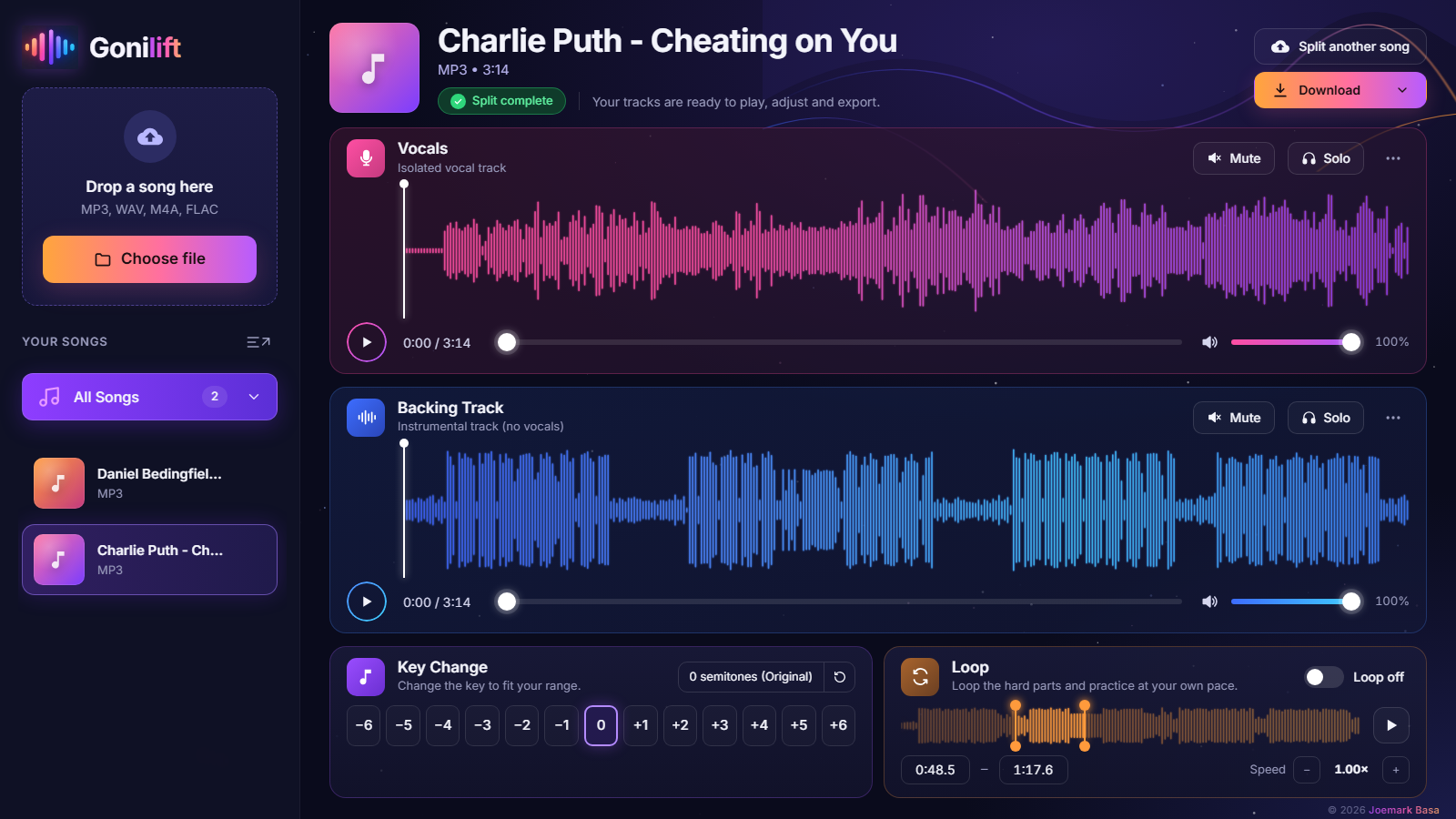
Player with vocal and backing waveforms
PlayerVocals, backing track and controls
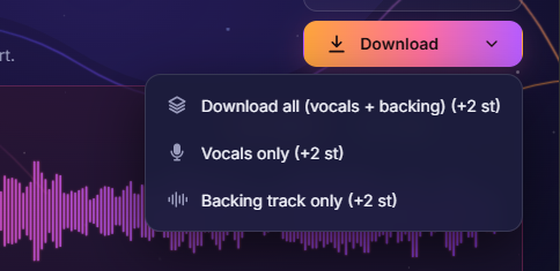
Download menu
Download menuExport what you need
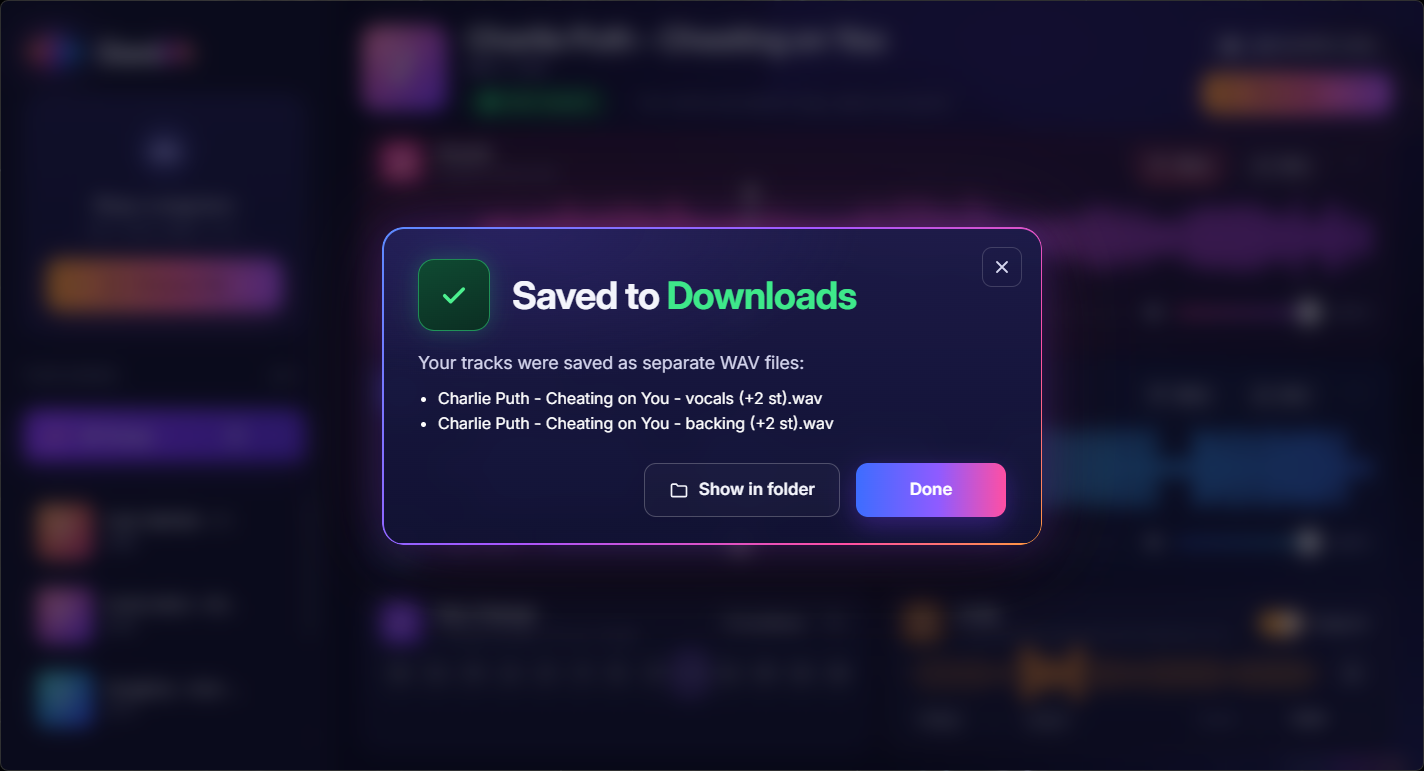
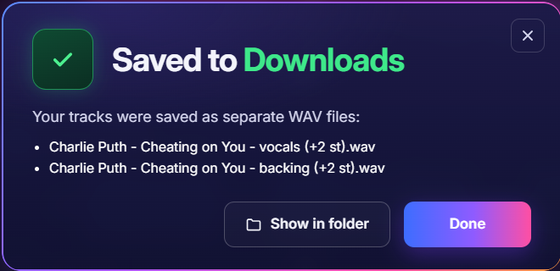
Saved to Downloads pop-up
Saved to DownloadsConfirmation with file details
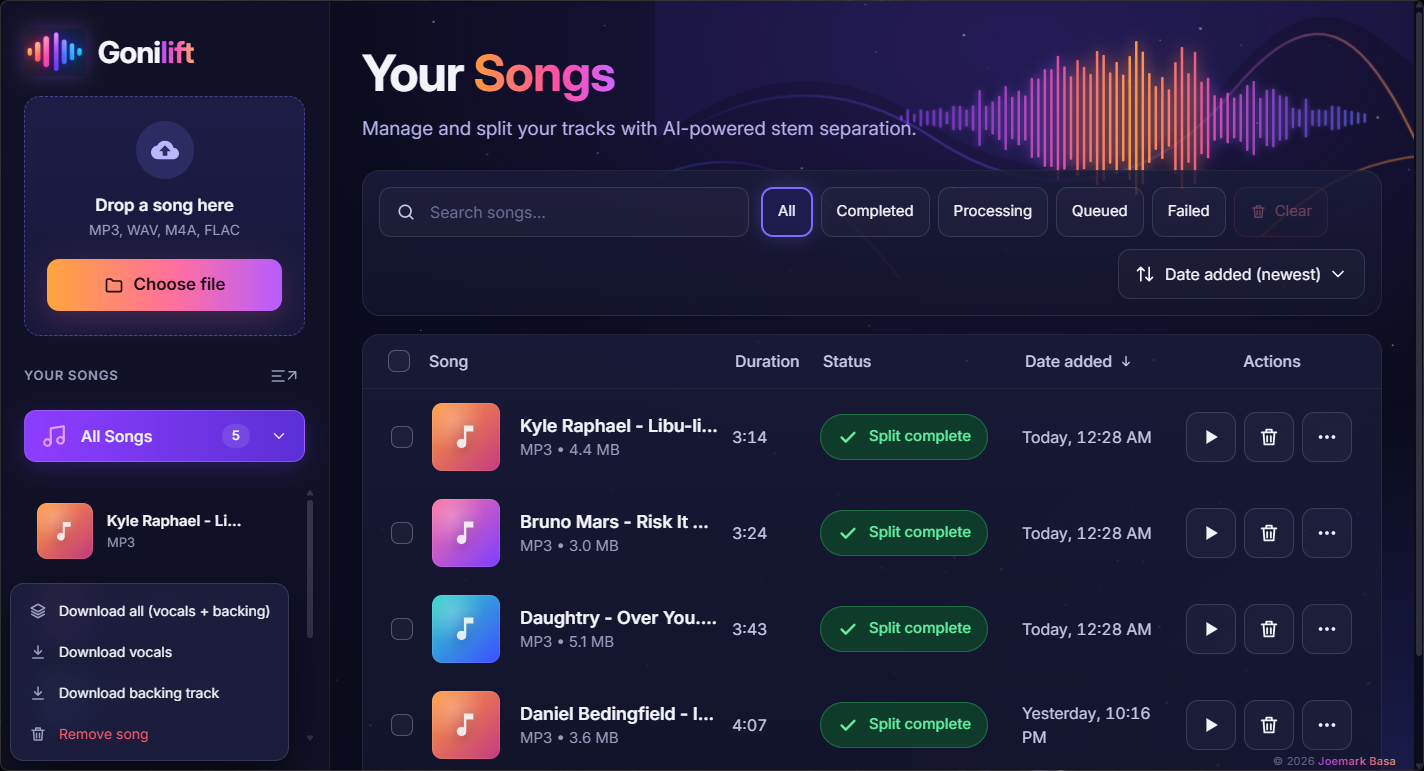
Song library
Your libraryManage and organise your songs
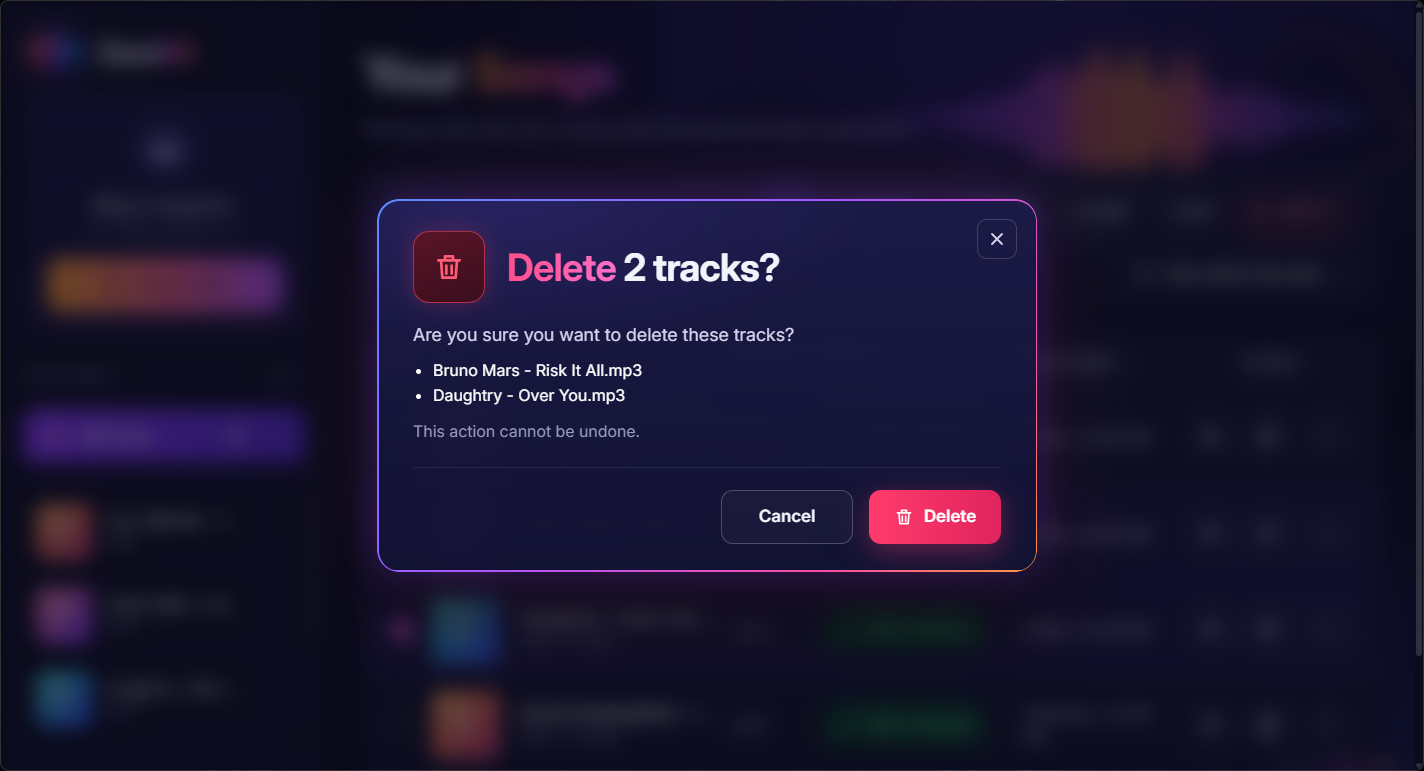
Delete confirmation pop-up
Delete confirmationClean and safe interactions
Sidebar song menu
Sidebar song menuQuick actions for your songs

What it feels like

Feels like a real app.

Smooth interactions, modern design, and delightful details throughout.

A glass light on a song row

Glass shine follows your mouse

Soft light that tracks your pointer across cards and rows.

Frosted Saved to Downloads pop-up

Frosted pop-up dialogs

Clear, translucent pop-ups on a blurred background.

A note showing a full song title

Hover reveals full titles

Long song names appear in full right beside your mouse.

Download button and menu

Buttons bounce on click

Small, playful animations make the app feel alive.

Pricing

Simple pricing.

Free and open source, or a ready-to-run edition for $3.50.

Available now

Open Source Edition

Free

Full-featured and open source, forever.

  • Full Windows desktop app
  • AI vocal + backing split
  • Practice player with key, speed and loop
  • No account required
  • Download from GitHub
⬇ Download free
Recommended

Easy Edition

$3.50 one time

The same app with everything inside, and support for the project.

  • Ready to run: unzip and double-click, no installer
  • Works offline from the very first split
  • Same singing tools as the free edition
  • Priority email help
Get it on itch.io →

Guides

Learn to sing it yourself.

Free guides on vocal removal, karaoke tracks, keys and practice.

FAQ

Frequently asked questions.

Still have questions? Open an issue on GitHub →

Do I need a subscription or account?No. There is no account and no subscription.

The AI is an open-source model that runs on your own computer, not an online service. The open-source edition is free; the ready-to-run Easy Edition is a one-time $3.50. No sign-up and no API key either way.

Is Gonilift an offline vocal remover?Yes. After setup it works with no internet at all.

The free edition needs internet once to install and once for the first split (the AI model, about 900 MB); the Easy Edition already has everything inside. After that it works fully offline; we tested it with every outside connection blocked.

Does this vocal remover upload my songs?No. Everything happens on your computer.

Unlike online vocal removers, Gonilift runs the AI on your own PC and sends nothing anywhere. Your files never leave your computer.

How fast is it?About 40 seconds for a 3-minute song on an RTX 3050.

With an NVIDIA graphics card it is fast. Without one it runs on the processor, which is slower; we haven't timed that yet.

What do I need to run it?Windows 10 or 11 and about 6 GB of space.

An NVIDIA graphics card makes it much faster but isn't required. Closing the app stops everything; nothing runs in the background.

Is it legal?Yes, for personal practice with music you may use.

Splitting a song doesn't give you rights to it, so please don't publish tracks made from songs you don't own.